🔌
Drag & Drop Components
Place MCB breakers, switches, light bulbs, fans, motors and sockets from the palette. Components snap to a grid for clean, professional layouts.
ElectraSim is a free, interactive electrical wiring lab. Drag real-world components — MCBs, switches, bulbs, fans, sockets — wire them together and watch your circuit come alive with live simulation.
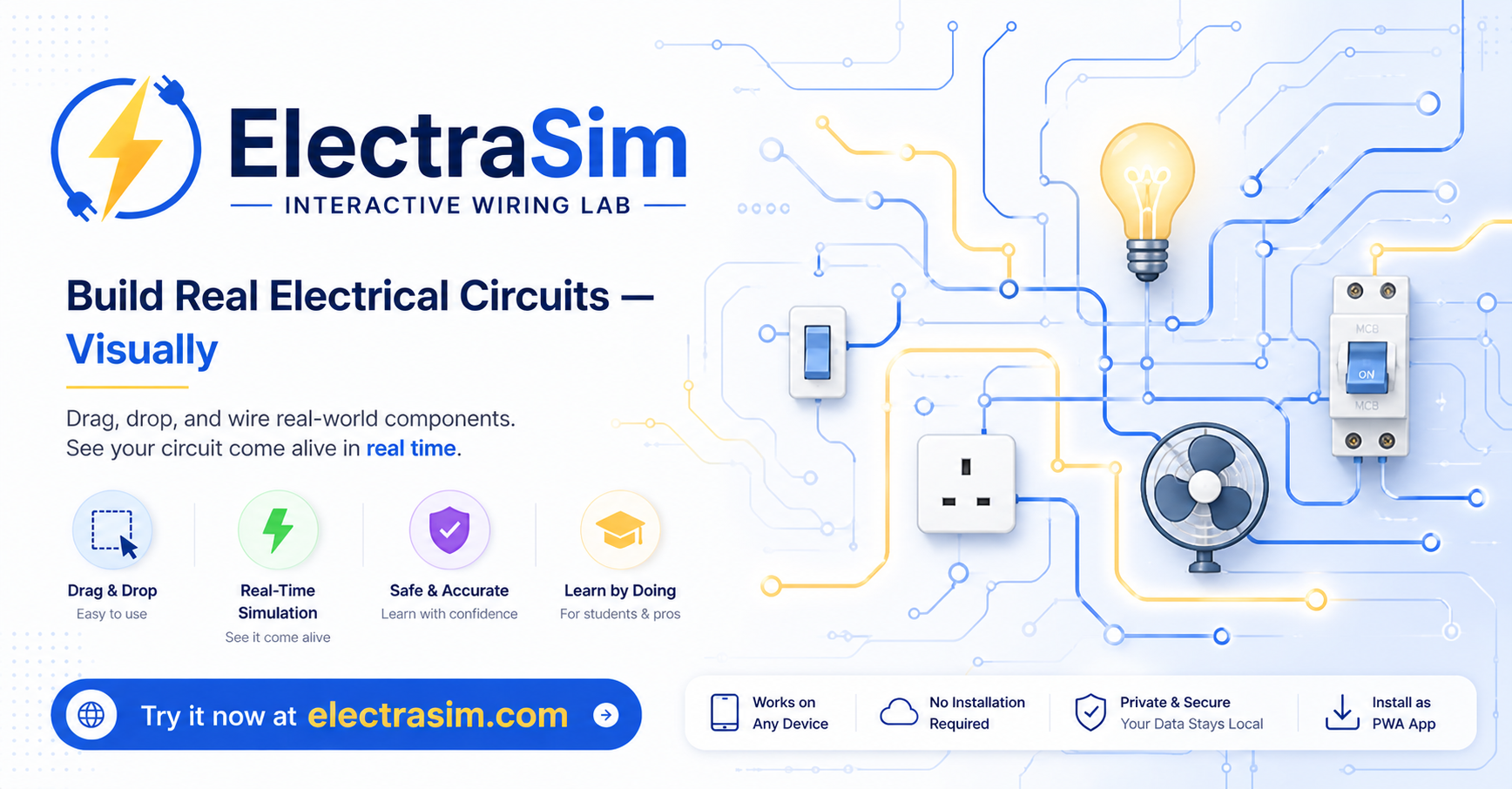
A complete electrical circuit toolkit — all running locally in your browser, no server, no cloud, no account needed.
Place MCB breakers, switches, light bulbs, fans, motors and sockets from the palette. Components snap to a grid for clean, professional layouts.
Hit Run and watch electricity flow instantly. Energised wires animate, bulbs light up, fans spin. Toggle switches and see changes propagate live.
The simulation engine detects open circuits, short circuits and overloads automatically. Faulty wires highlight in red for instant diagnosis.
Click a port to start wiring — ElectraSim auto-routes orthogonal wires around components. Custom multi-step wiring also supported.
Shift-click or drag-select multiple components. Align left, center, right, top or bottom with one click for professional diagrams.
Save your circuit as JSON, export as SVG or PNG, or generate a shareable URL. Your work is autosaved locally and survives page reloads.
No account, no download, no setup. Open ElectraSim and start building immediately.
Click "Launch the Simulator". It loads instantly — works offline after the first visit.
Open the Components panel and click any component — MCB, switch, bulb, fan — to place it on the canvas.
Click a port dot on one component, then a port on another. ElectraSim routes the wire automatically.
Press Run to simulate. Toggle switches, add faults, and see exactly how your circuit behaves.
ElectraSim is designed for anyone who wants to understand or teach how electrical circuits work.
Learn electrical wiring concepts hands-on without real wire and voltage. Build and test circuits safely.
Create live circuit demonstrations in the classroom. Share circuits via URL for homework assignments.
Prototype wiring layouts and validate circuit logic before installation on site.
Experiment with circuit ideas, test different configurations, and learn by doing at your own pace.
Practical guides on circuits, wiring, and electrical safety — written for beginners and professionals alike.
From the main panel to your light switch — understand how electricity flows through a home and why each component matters.
Read article →A visual explanation of series and parallel wiring with interactive examples you can try in ElectraSim.
MCBs are the first line of defence against overloads and short circuits. Here's how they actually work.
No installation. No sign-up. Just open ElectraSim and start wiring in seconds.
⚡ Launch ElectraSim Free